
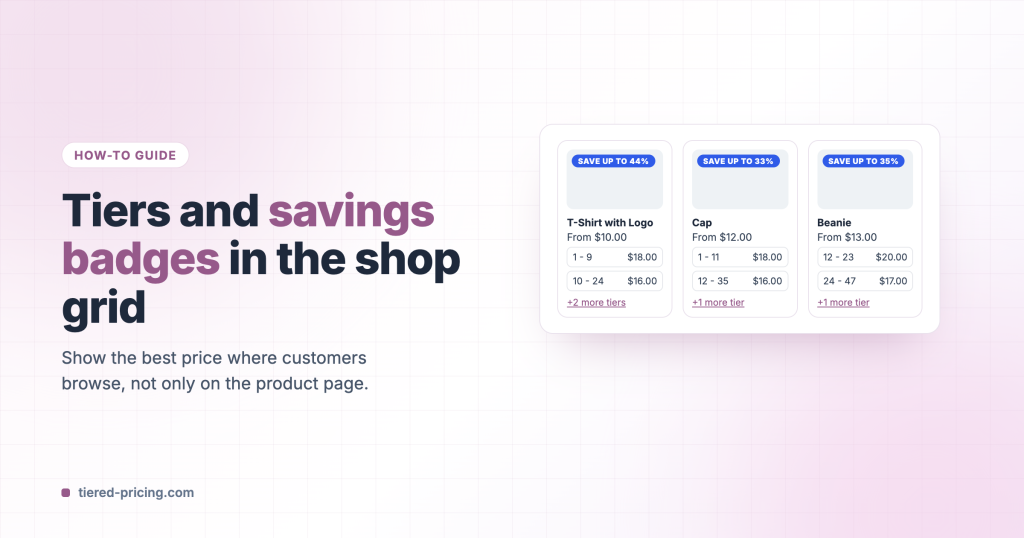
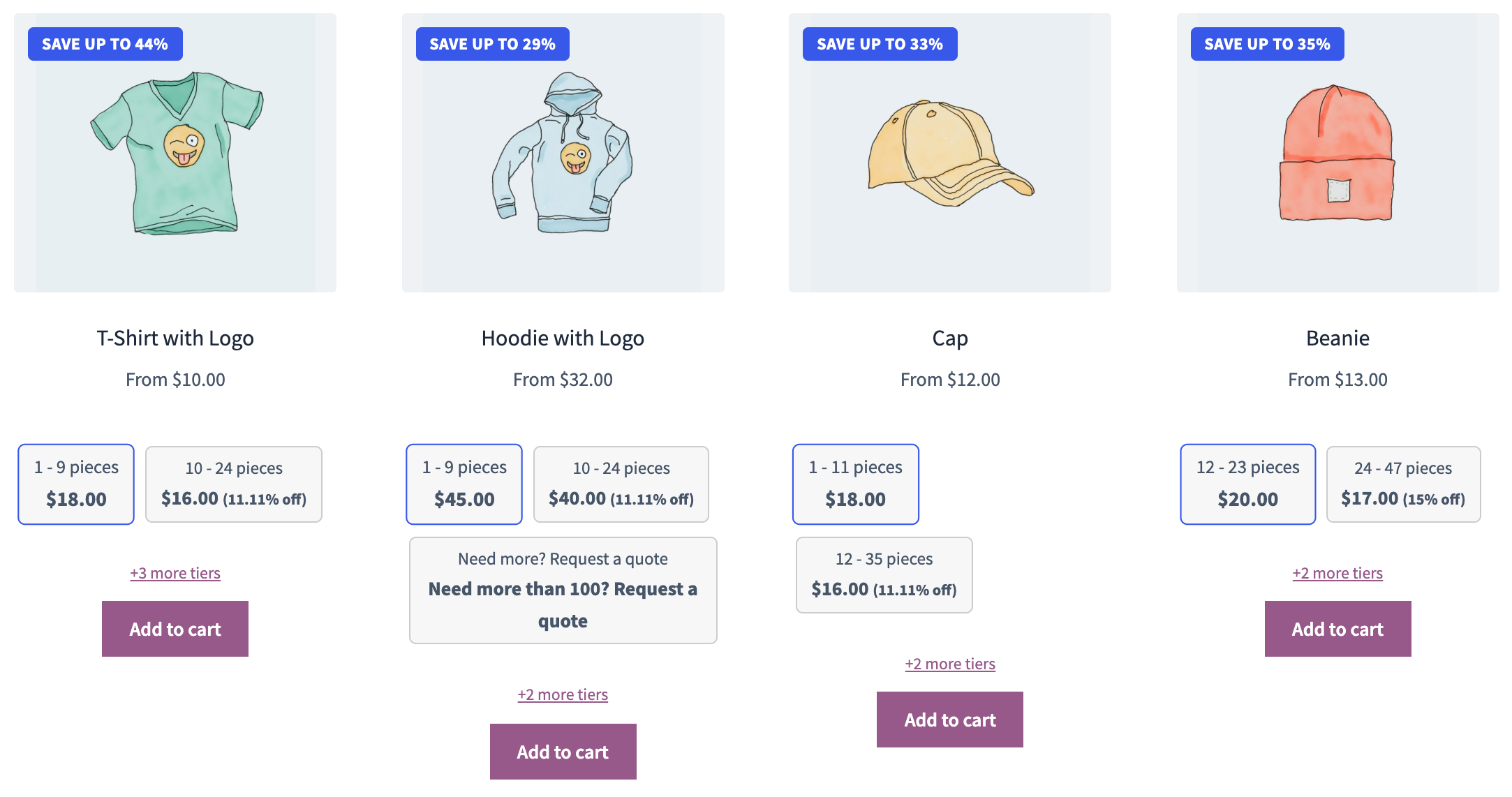
Bulk discounts sell better when customers see them while browsing. Tiered Pricing Table for WooCommerce can put a badge with the best discount on the product image, and a short version of the tiers into every product card.
The savings badge
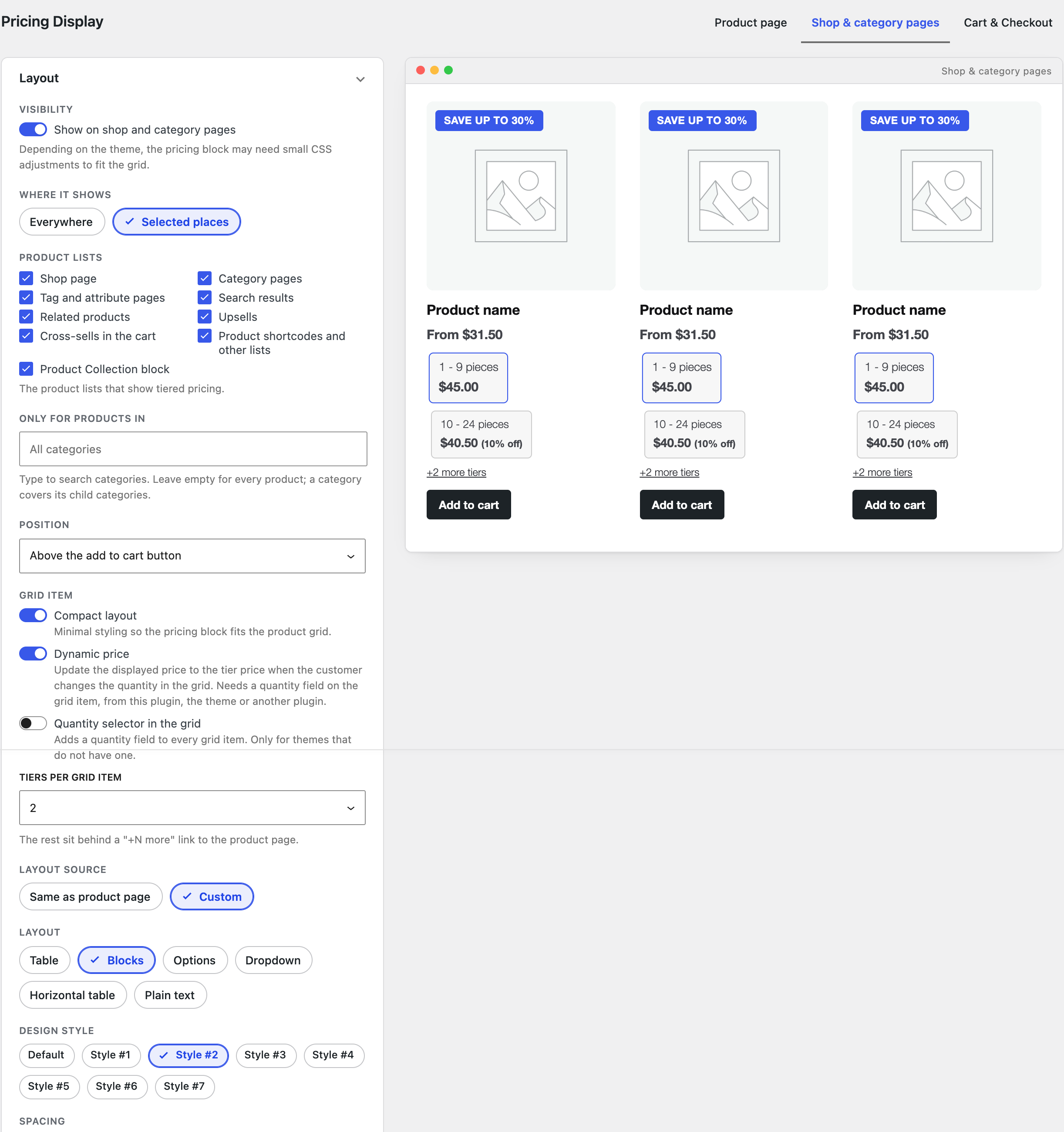
Go to WooCommerce → Settings → Tiered Pricing → General → Pricing Display, open the Shop & category pages tab and switch on Show a bulk savings badge. The badge shows the biggest discount the product’s tiers give (“Save up to 44%”); change the template, the corner and the colour if you like. The badge works on its own, without the tiers in the grid.
Tiers in every product card
On the same tab switch on Show on shop and category pages. Then:
- Where it shows: Everywhere, or Selected places to pick the lists (shop, categories, search, related products, the Product Collection block and so on) and, optionally, the categories.
- Tiers per grid item: show the first two or three tiers; the rest sit behind a “+N more tiers” link to the product page.
- Grid item: Compact layout keeps the block small; Dynamic price updates the card’s price when the customer changes the quantity, if the grid has a quantity field.
- Layout source: Same as product page, or Custom for a different layout and design style in the grid.
Catalog price
The Price card on the same tab replaces the regular price in the grid with the lowest tier price (“From $10.00”) or a price range, so the badge and the price tell the same story.