
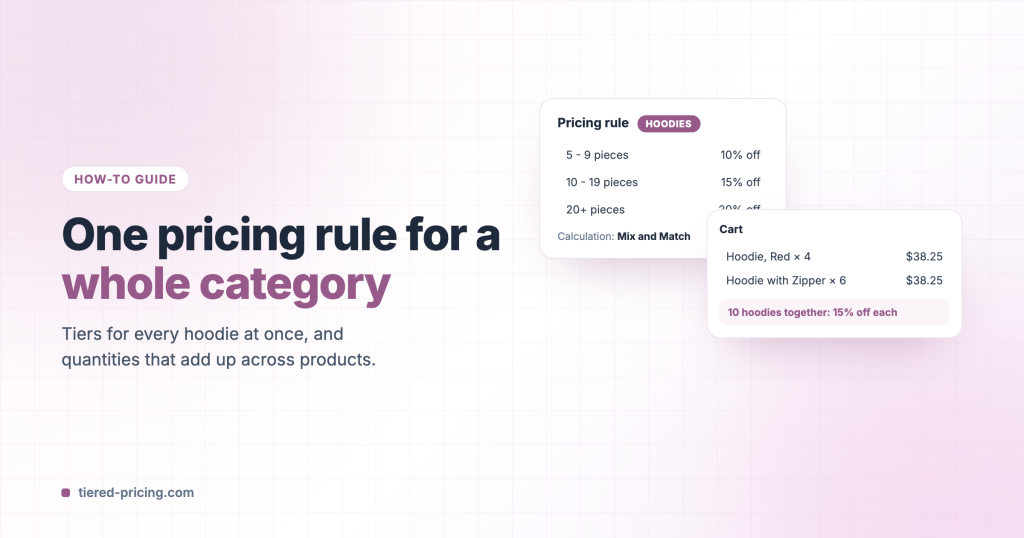
Entering the same tiers on fifty products is slow, and keeping them in sync is worse. A global pricing rule in Tiered Pricing Table for WooCommerce applies one set of tiers to a category, a tag, a brand or a hand-picked list of products, and can count the quantities of all those products together.
Create the rule
- Go to WooCommerce → Pricing Rules → Add new and give the rule a name.
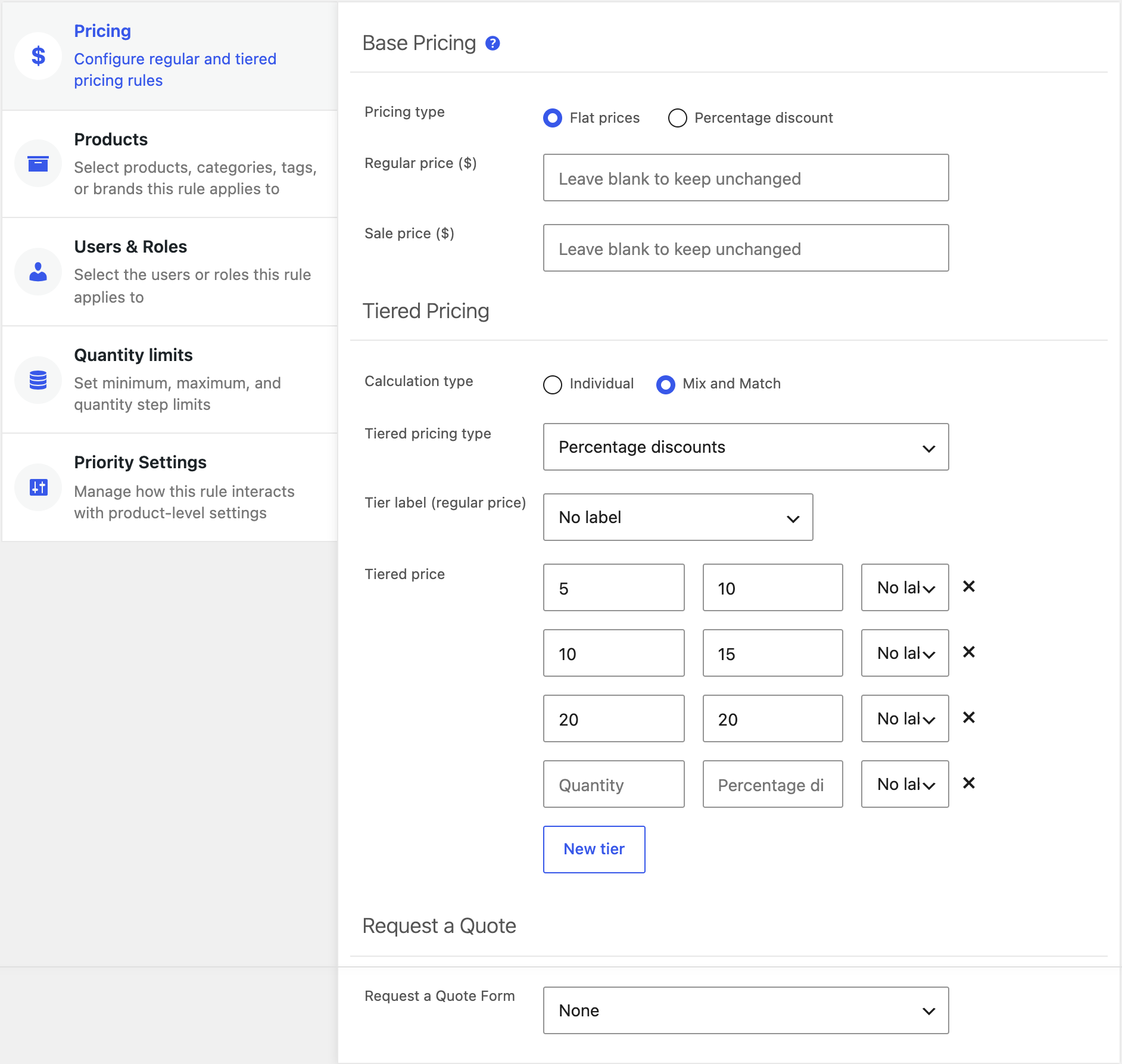
- Pricing tab: choose fixed prices or percentage discounts and enter the tiers. Optionally set a base price override for quantity 1.
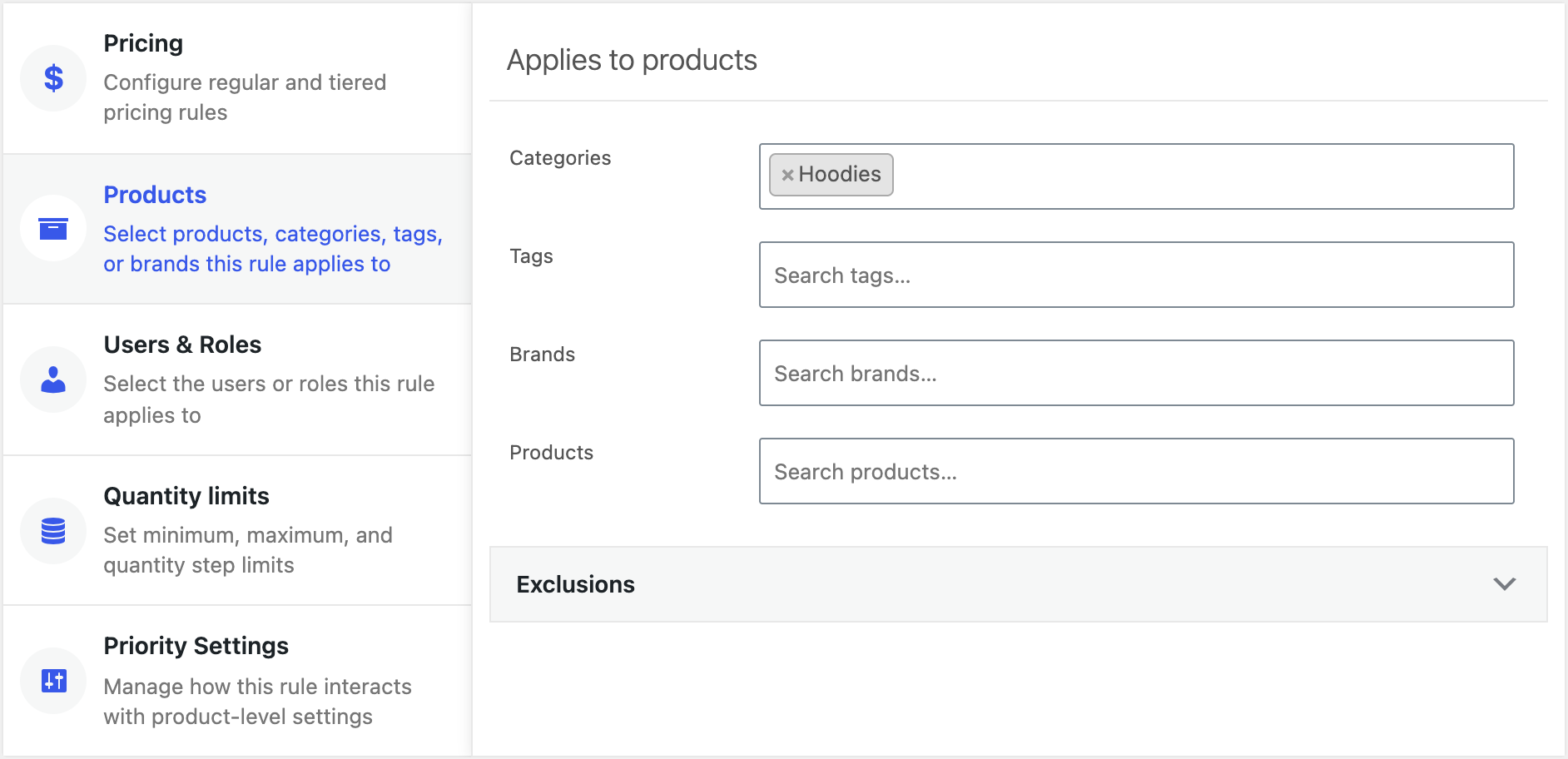
- Products tab: pick the categories (or tags, brands, products). Add exclusions for the products that should keep their own prices.
- Users & Roles tab: leave empty for every customer, or limit the rule to roles.
- Publish.
Count quantities across products
On the Pricing tab, Calculation type decides what a quantity means:
- Individual: each product reaches the tiers on its own. Four red hoodies and six blue hoodies are two lines of 4 and 6.
- Mix and Match: every product the rule covers is added up in the cart. The same cart counts as 10 hoodies, and all of them get the 10+ price.
Mix and Match works with the Quantity limits tab too: a minimum of 10 then means ten hoodies of any kind.
When a product has its own tiers
A product’s own rules win by default. To let the global rule take over, either switch on Prioritize global pricing rules under Settings → General → Price Calculation for the whole store, or use the rule’s Priority settings tab for this rule only. When several global rules match a product, the newest one applies, so keep rules specific and suspend the ones you do not need from the rules list.